

Important-date dashboard
DeadlineKeeper记着呢
Important dates, expiries and renewals
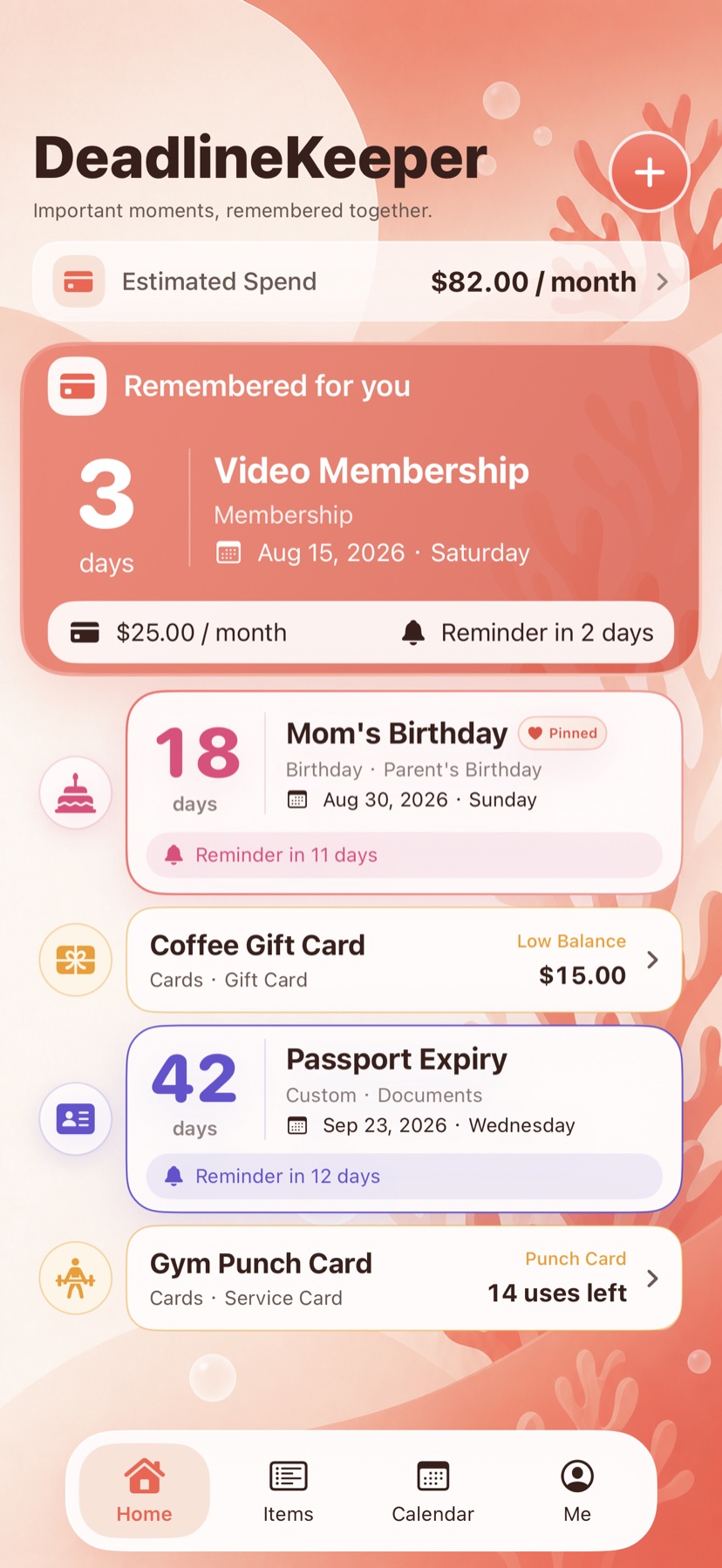
A dashboard for memberships and renewals, birthdays, anniversaries, document expiries and other important dates, with countdowns, local reminders, membership spending totals and renewal forecasts.


How it works
See dates, expiries and renewals in one clear dashboard
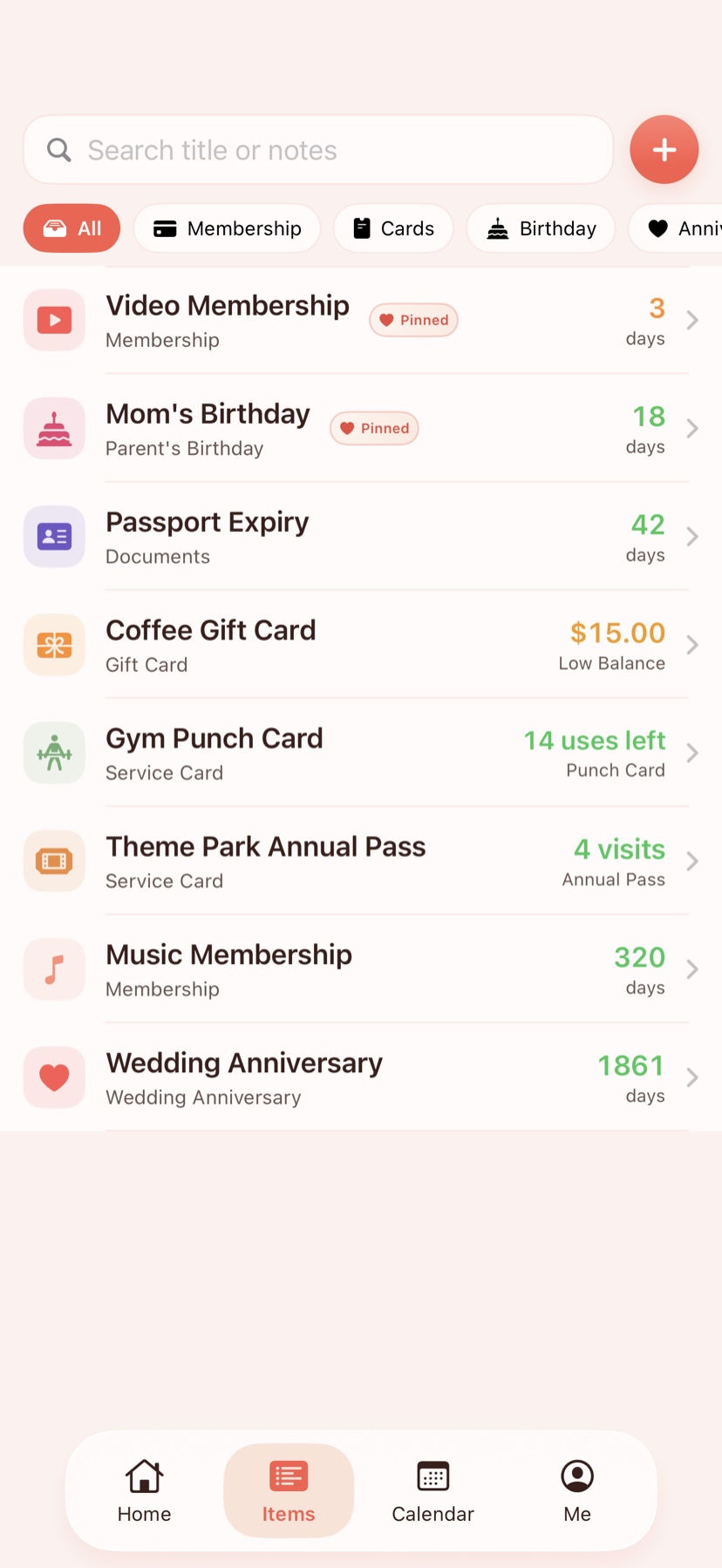
DeadlineKeeper keeps memberships and renewals, birthdays, anniversaries, document expiries, memorial dates and custom key dates in one focused view.
- 01
Add a date or renewal
Record the date, renewal cycle, amount and details for a membership, birthday, anniversary or document expiry.
- 02
Set a local reminder
Schedule on-device notifications and pin the items that need more attention.
- 03
Review time and spending
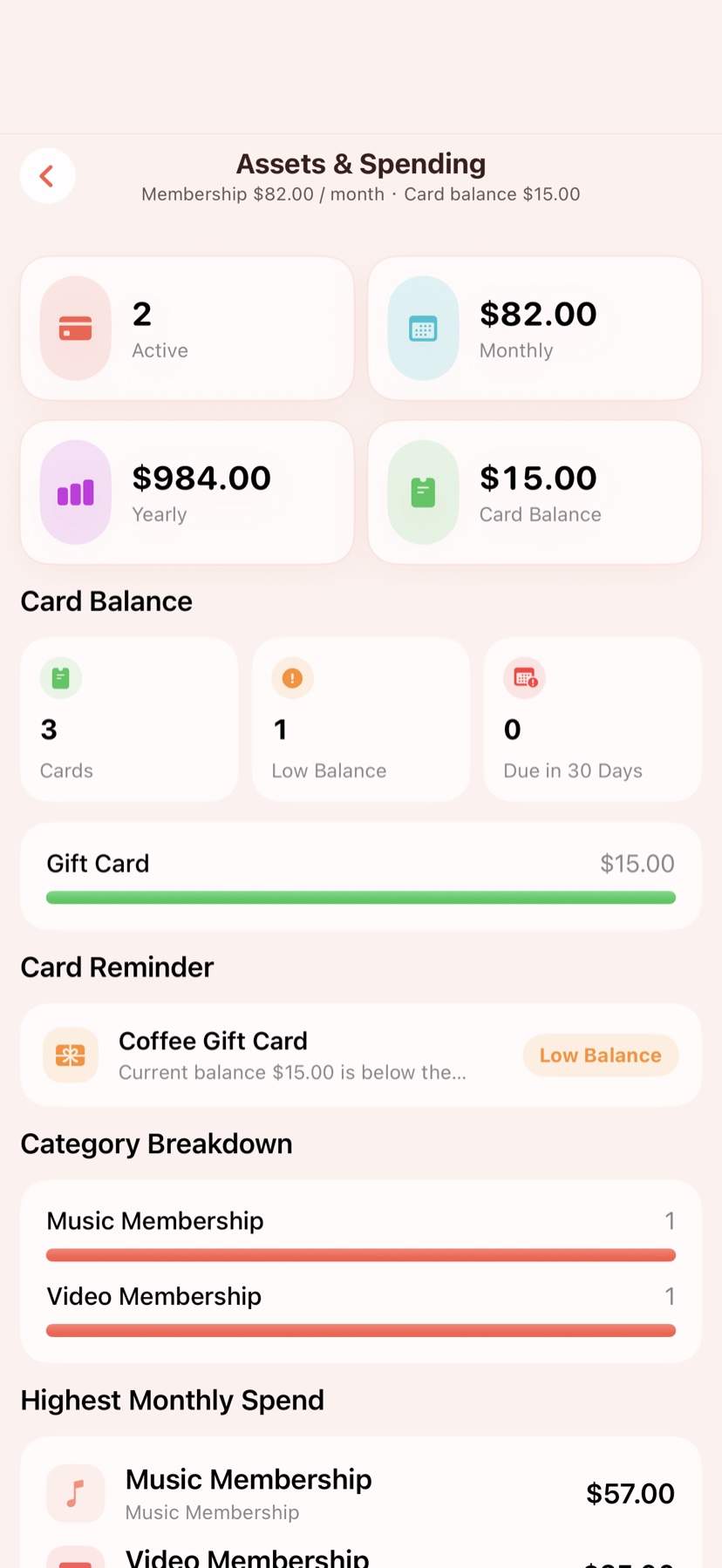
Use countdowns, membership spending totals and renewal forecasts to see what is coming.
Product UI
Dashboard, items and renewal costs
Three current screens cover important dates, item organization and renewal spending without turning DeadlineKeeper into a general calendar.
Privacy boundary
Focused on dates and renewal details entered by the user
DeadlineKeeper works with dates, renewal cycles, reminder preferences and amounts entered by the user, then calculates membership spending and renewal forecasts locally without asking for external account passwords.
- Memberships, birthdays, anniversaries, document expiries, renewal cycles and amounts are added by the user.
- Notifications are used only after the user sets them and can be disabled in the app or system settings.
- Membership spending and renewal forecasts are derived from user-entered amounts and cycles on the device.
- CSV import and export happen only when the user initiates them for migration or backup.
DeadlineKeeper
Let DeadlineKeeper keep the next important date visible
See upcoming renewals, celebrations and expiries in a dashboard you can understand at a glance.